Lead Capture & Follow-ups
Connected enquiry forms, routing, and follow-up steps that support a consistent response.
Less busywork.
More room to move.
Hands-off pipelines for the busywork: leads, follow-ups, reporting, publishing.
Explore the service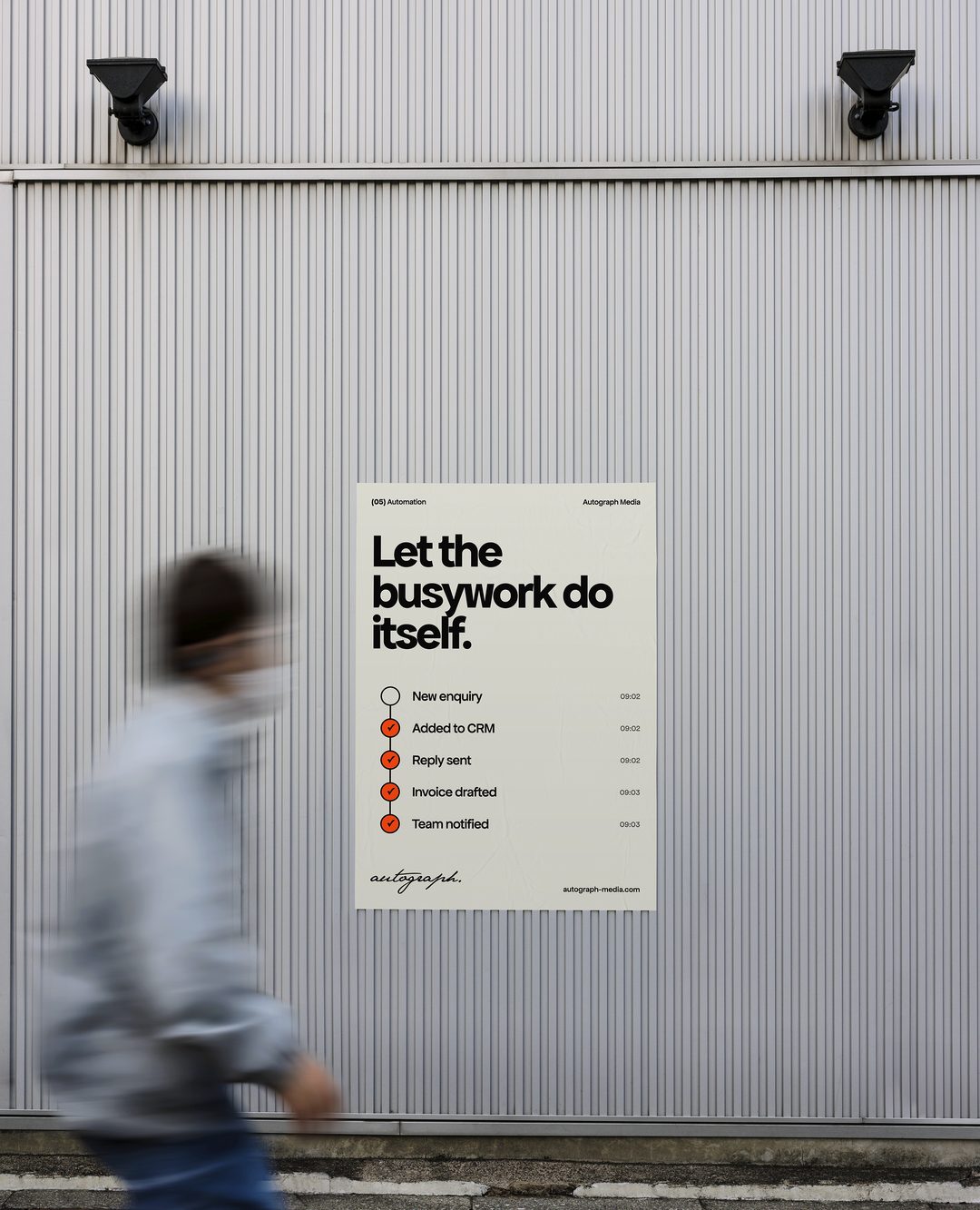
The small tasks add up. We connect your tools and simplify repeatable workflows so your team can spend more time on work that needs them.
For businesses where the same steps happen every day — a new enquiry to log and answer, details to copy between apps, a report to assemble — and where clear rules, rather than judgement, decide what happens next.
From a new enquiry to a weekly report, we look at the full journey: what triggers it, where information goes, and what should happen when something needs attention.
Get a quote for automation ↗Connected enquiry forms, routing, and follow-up steps that support a consistent response.
Repeatable workflows between your existing apps, with clear triggers and conditions.
Reporting that brings agreed data sources together in a useful, readable format.
A coordinated flow of contact and opportunity information between your website and CRM.
A shared direction.
Room to ask questions.
Care at every step.
We document the current steps, tools, responsibilities, and common exceptions.
We build and test the triggers, data mapping, and actions in the agreed workflow.
We define error handling, alerts, and ownership so the workflow stays understandable.
Illustrative example, not a client project. Consent for follow-up messages, and what happens when a step fails, are agreed for each workflow.
We first review their APIs, supported integrations, and account requirements. That tells us what can be connected and where a different approach may be needed.
We design for the expected failure cases, such as missing information or unavailable services. Depending on the workflow, this can include retries, alerts, and a manual fallback.
Many workflows work well with straightforward rules. AI can be considered when a step involves interpreting unstructured information, with review where appropriate.
The number of tools and steps involved, how clean and consistent the data is, the exceptions the workflow has to handle, and whether it needs a custom integration rather than an existing connector.