AI Assistants & Chat
Assistants shaped around defined tasks, approved information, and a clear handoff to a person.
New possibilities.
Practical applications.
Practical AI woven into your website and workflows — assistants, search, content.
Explore the service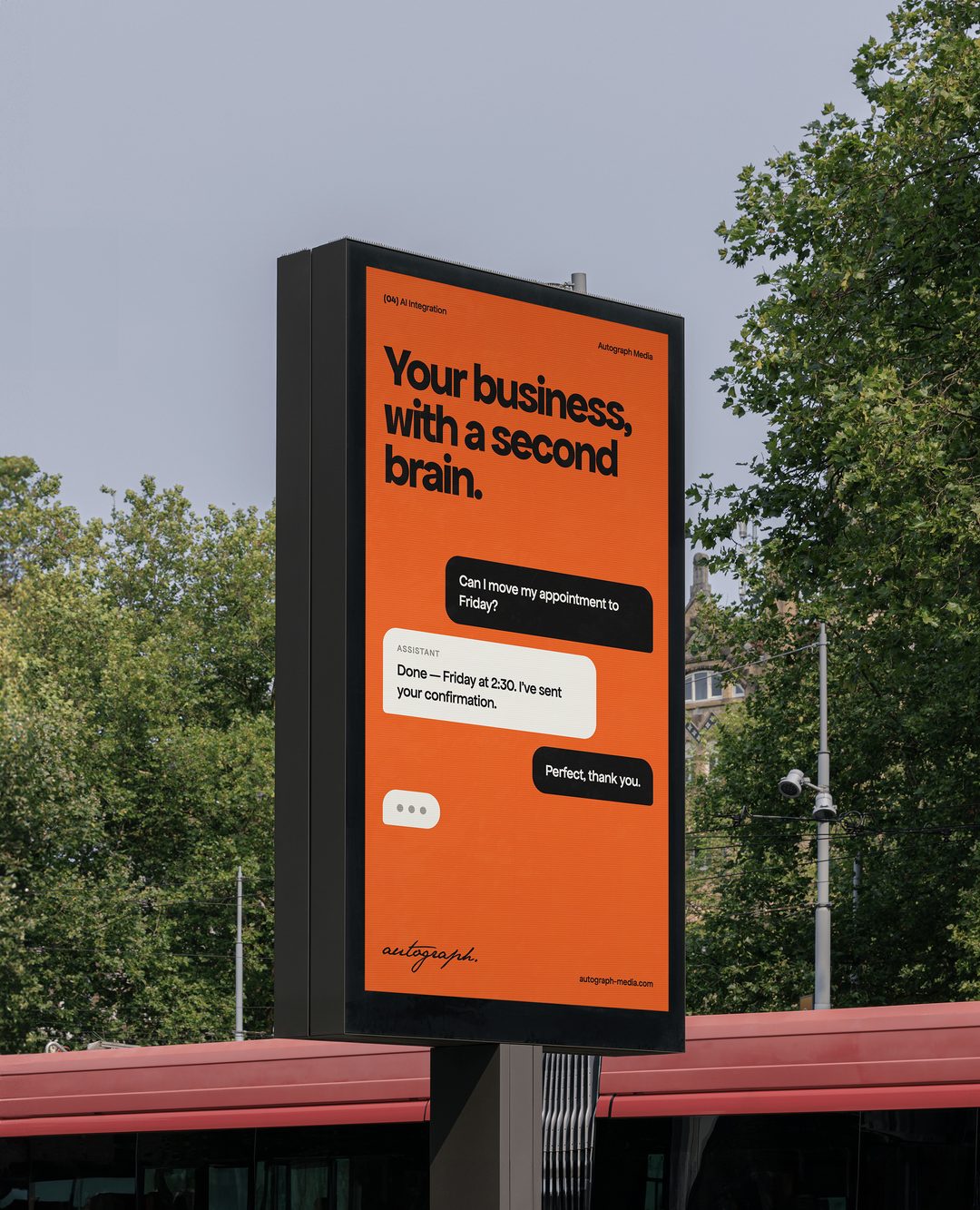
Put AI to work where it can be useful: helping people find answers, supporting your team, and making information easier to act on.
For teams with a recurring task where AI can genuinely help — finding answers in your own content, matching people to the right option, drafting with review — who want it built into the tools they already use, with a person in the loop.
We start with a specific task and a clear definition of success. Then we explore how an AI capability can fit your existing tools, data, and human review process.
Get a quote for AI integration ↗Assistants shaped around defined tasks, approved information, and a clear handoff to a person.
Search experiences that help people navigate your content and find relevant answers.
Drafting and content workflows with review steps and a consistent brand voice.
A practical assessment of use cases, data needs, operating costs, and how to evaluate quality.
A shared direction.
Room to ask questions.
Care at every step.
We identify a useful problem, the information available, and what a good result looks like.
We test a focused solution with representative tasks and realistic inputs.
We connect the capability to your workflow, define review points, and monitor its performance.
Psychport / Product Design & Build
Plain-language search that matches people with verified therapists and shows why each one matched. Pre-launch: no results are claimed.
See the Psychport AI matching build (pre-launch) ↗Start with a recurring task where information is available and a useful result can be evaluated. We can help compare opportunities and select a focused first project.
Often it can work alongside them. We assess the available integrations and recommend whether to extend an existing workflow or introduce a new one.
We define the information the system can use, test representative cases, and design review or escalation paths. The appropriate controls depend on the task and its consequences.
Beyond the build, most AI features carry ongoing usage costs from the model provider, plus hosting and monitoring. Those should be estimated during scoping and weighed against the time the feature saves.